


For merchants
A clear way to get started, collect reviews and manage customer content in one place.
01. The challenge
A merchant configures the app. A customer shares their experience. A shopper uses that feedback to decide. The challenge was connecting these needs across setup, review collection, moderation and the storefront.
A clear way to get started, collect reviews and manage customer content in one place.
A straightforward flow for sharing a rating, photos, videos and written feedback.
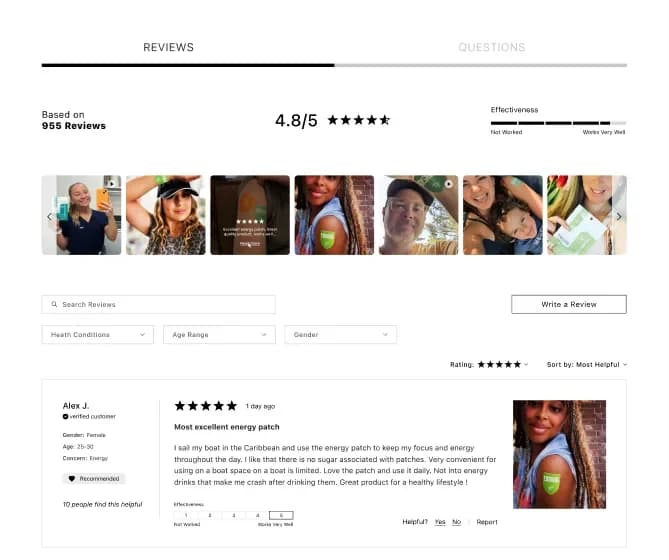
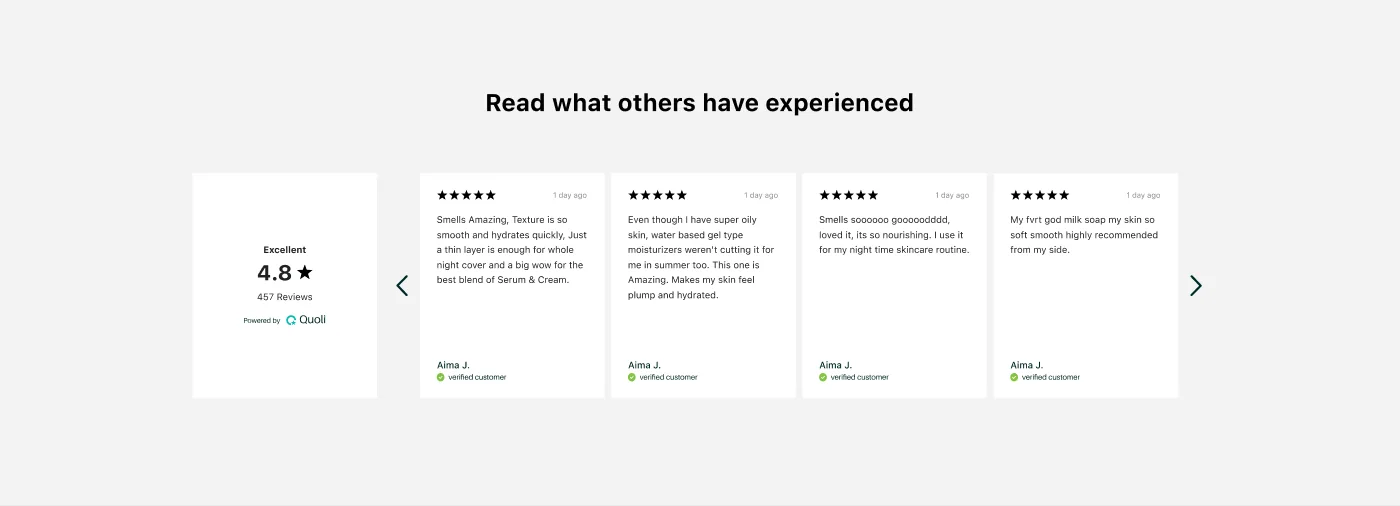
Useful reviews presented in a way that feels at home with each store's brand.
Our approach
Our design and development work brought the merchant tools, customer review flow and storefront experience together. Each part supports the next, from the first setup choice to the content a shopper sees.
Make the app feel like the merchant's brand.
Invite customers to share their experience.
Organize, moderate and respond to feedback.
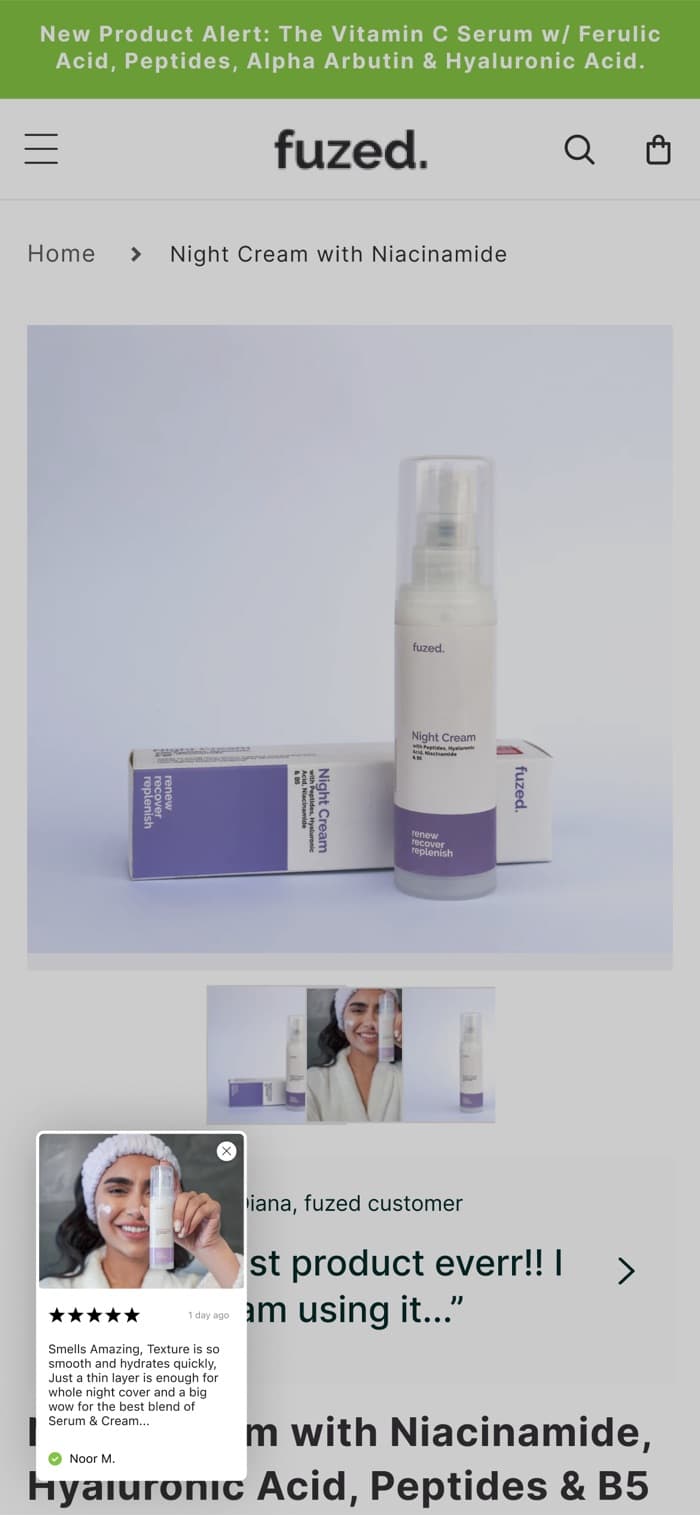
Bring customer voices onto the storefront.
03. How we solved it
Every design decision answers a problem merchants had. Here is what we changed and what merchants and Quoli gain from it.
Problem
Merchants had to work out setup on their own.
Solution
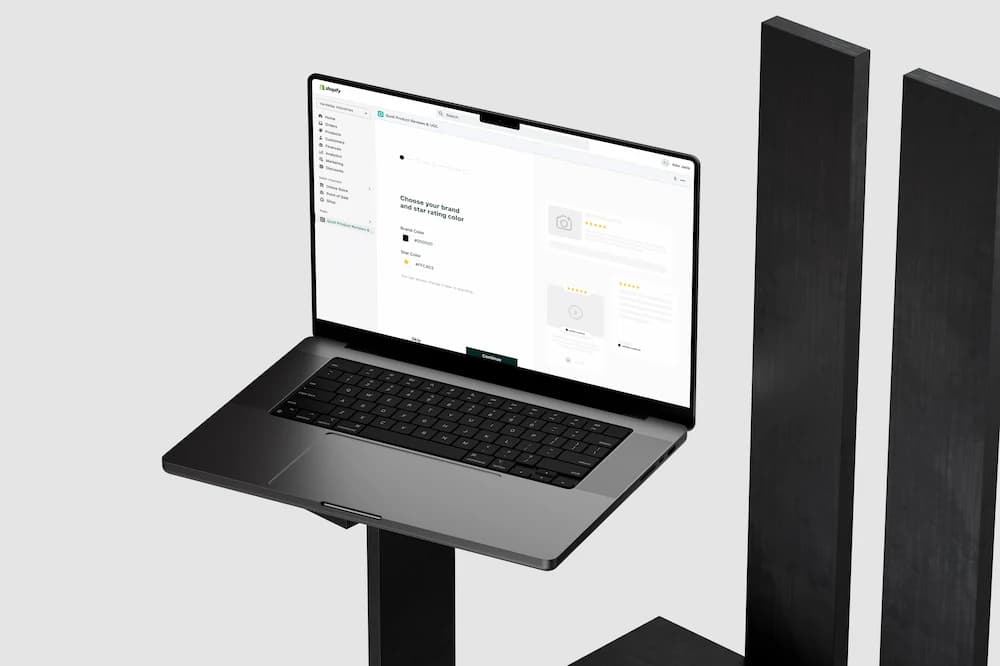
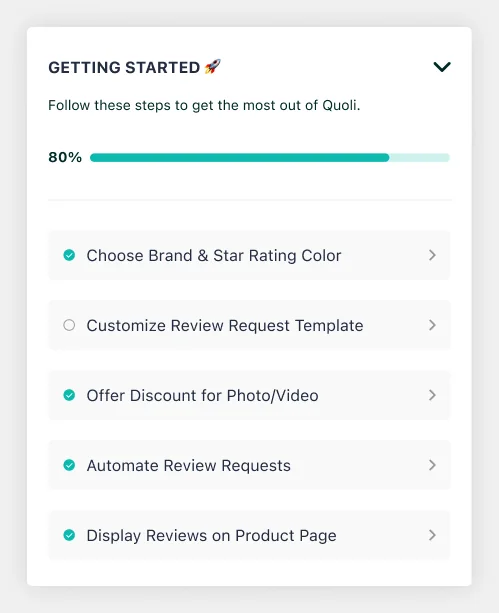
A five-step onboarding with a live preview: brand colours, email template, send timing, product-page widget and photo discount. Every step can be skipped, and a Getting Started checklist on the dashboard tracks what's left.
Gain
Designed to take under five minutes, so merchants start collecting reviews on the day they install.
Problem
Reviews were handled one at a time from a mixed list.
Solution
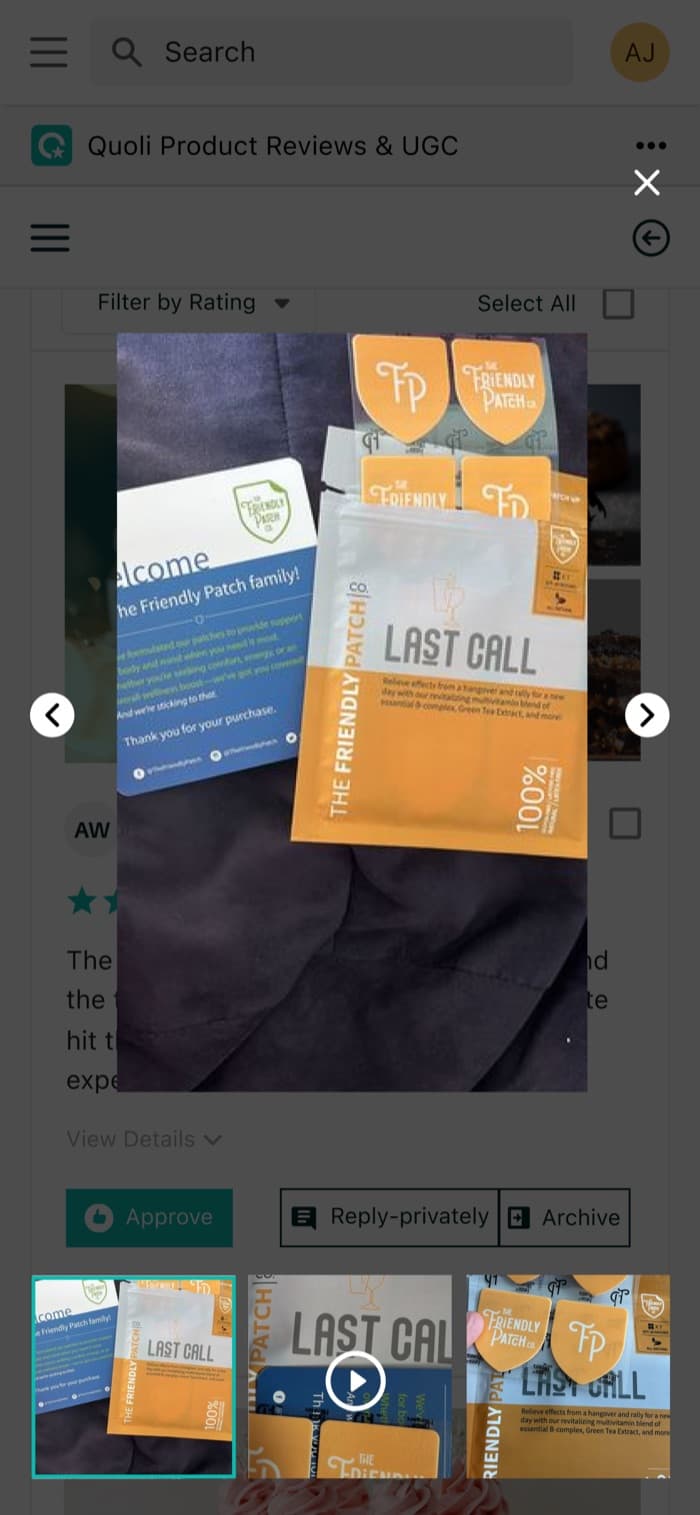
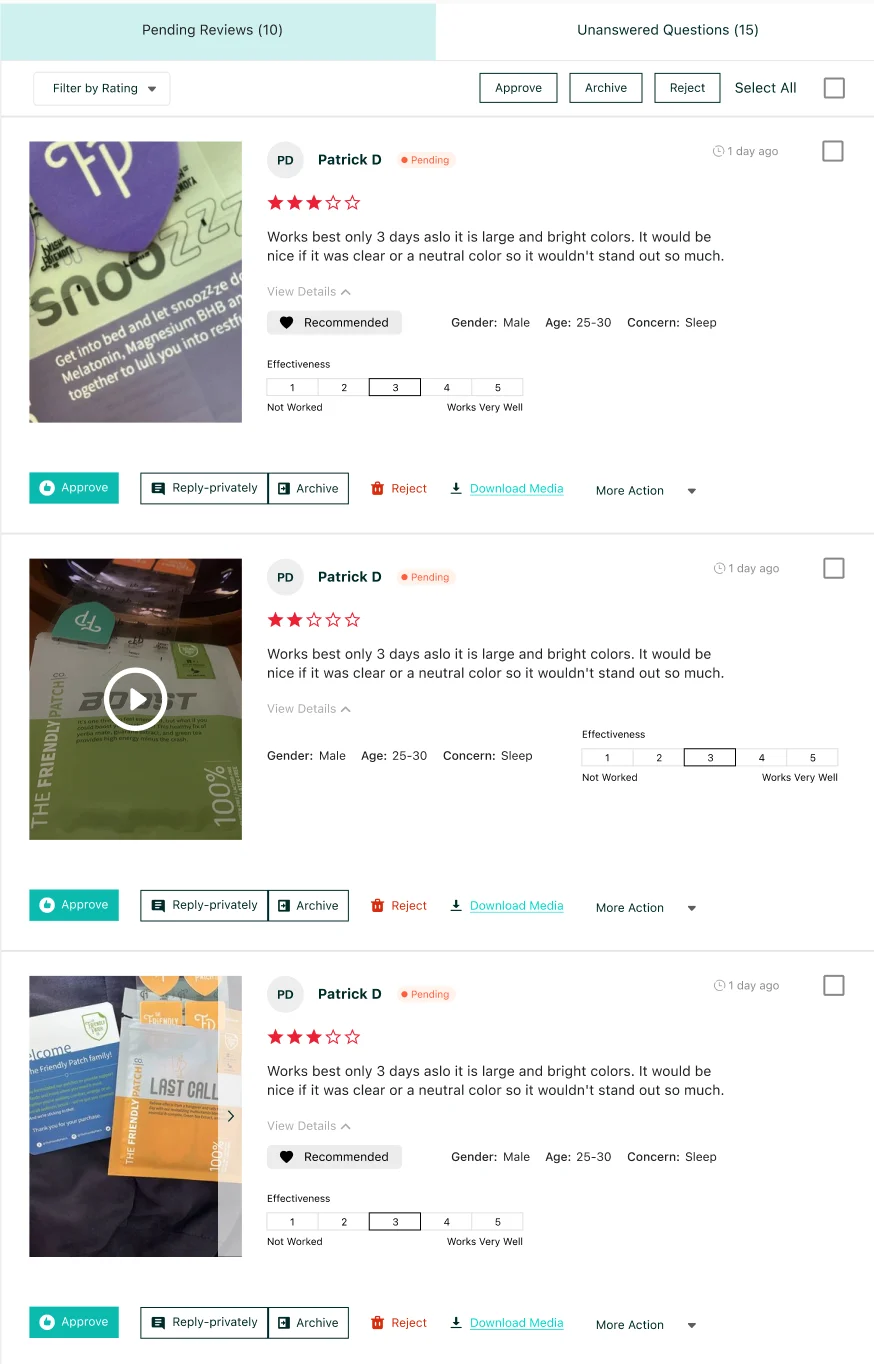
Separate Pending Reviews and Unanswered Questions tabs on the home screen, with rating filters, select-all and bulk Approve, Archive and Reject. Each card shows the photo, the customer's details and a private reply option.
Gain
Merchants clear their whole queue from one screen, and nothing waits unnoticed.
Problem
Newer tools had no home in the navigation.
Solution
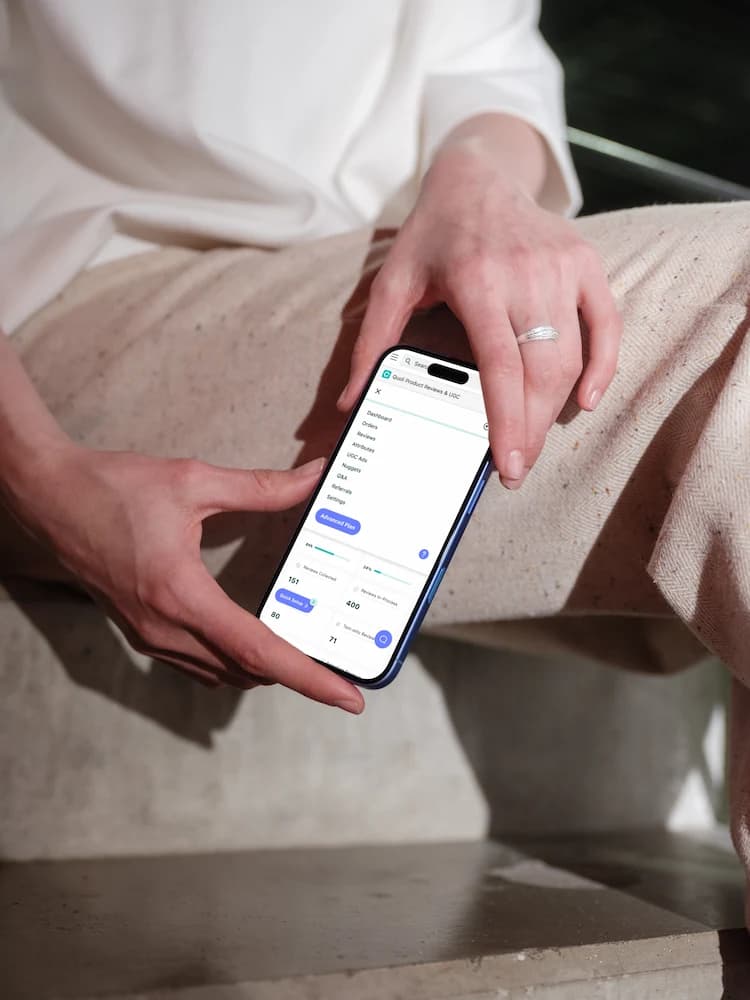
Seven clear tabs give Attributes, UGC Ads, Nuggets and Q&A their own space. Reviews splits into Collect, Display and Manage. A widget library with 15+ widgets and theme-editor controls lets merchants match any store without code.
Gain
Every feature is one click away. Quoli can ship new tools without reworking the navigation.
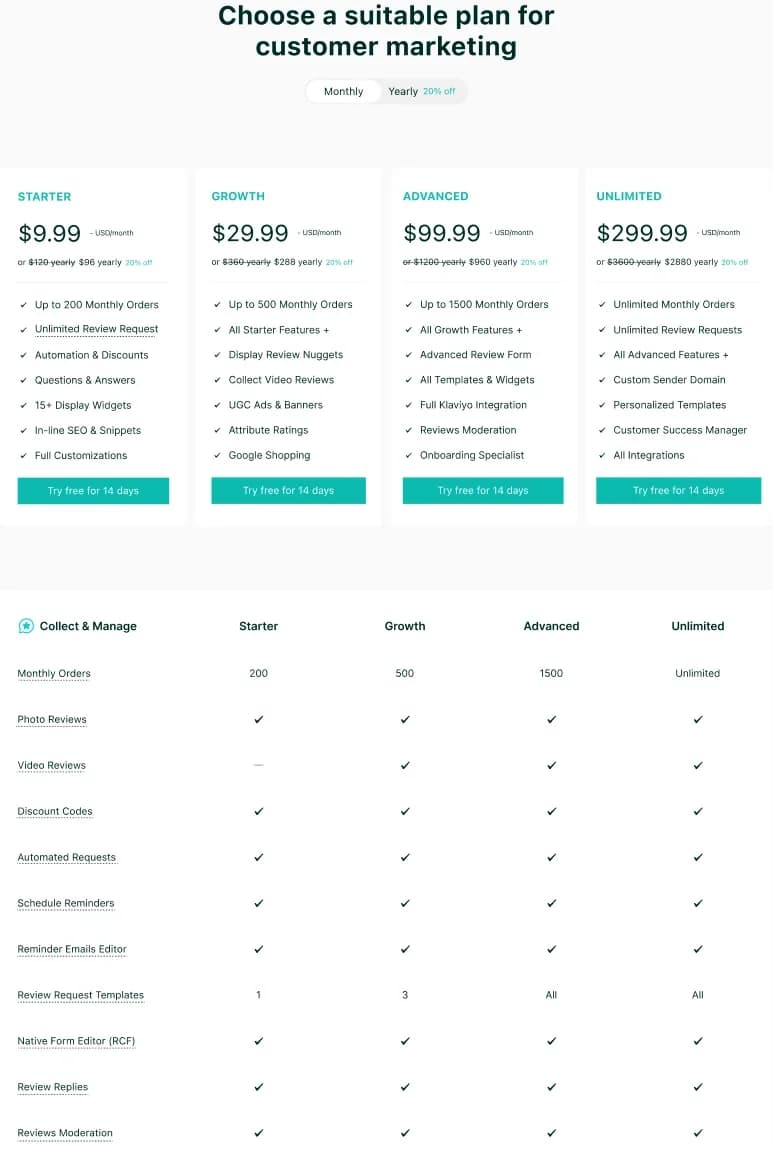
Problem
Locked features and limits gave merchants no reason to upgrade.
Solution
Plan usage sits on the dashboard and warnings arrive before a limit is reached. Locked widgets say what they unlock. The pricing page compares five plans across nine feature groups.
Gain
Merchants see upgrades as a next step, not a wall. For Quoli, every limit becomes a timely upgrade moment.
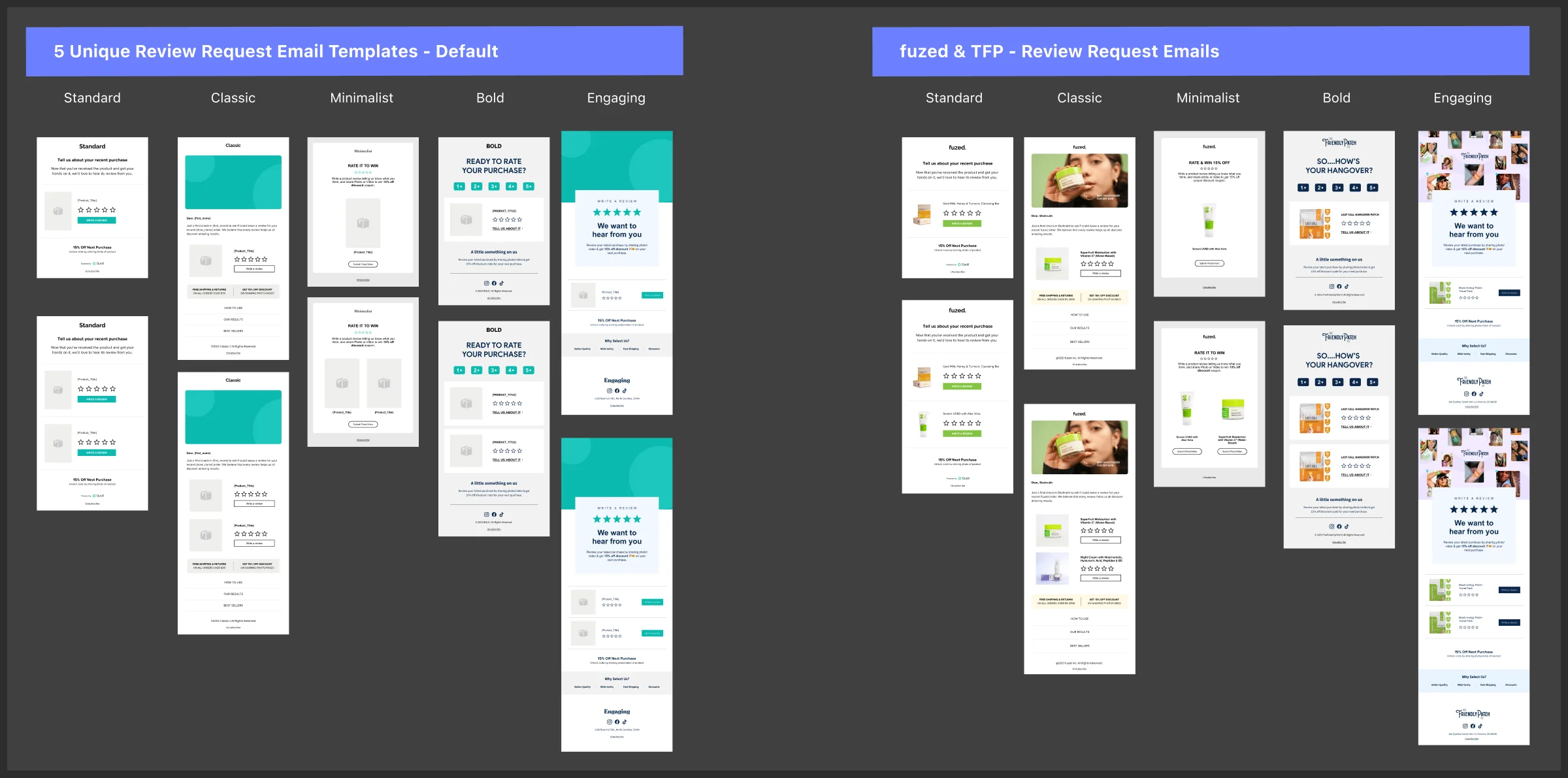
Problem
Text-only reviews give ads, nuggets and carousels little to work with.
Solution
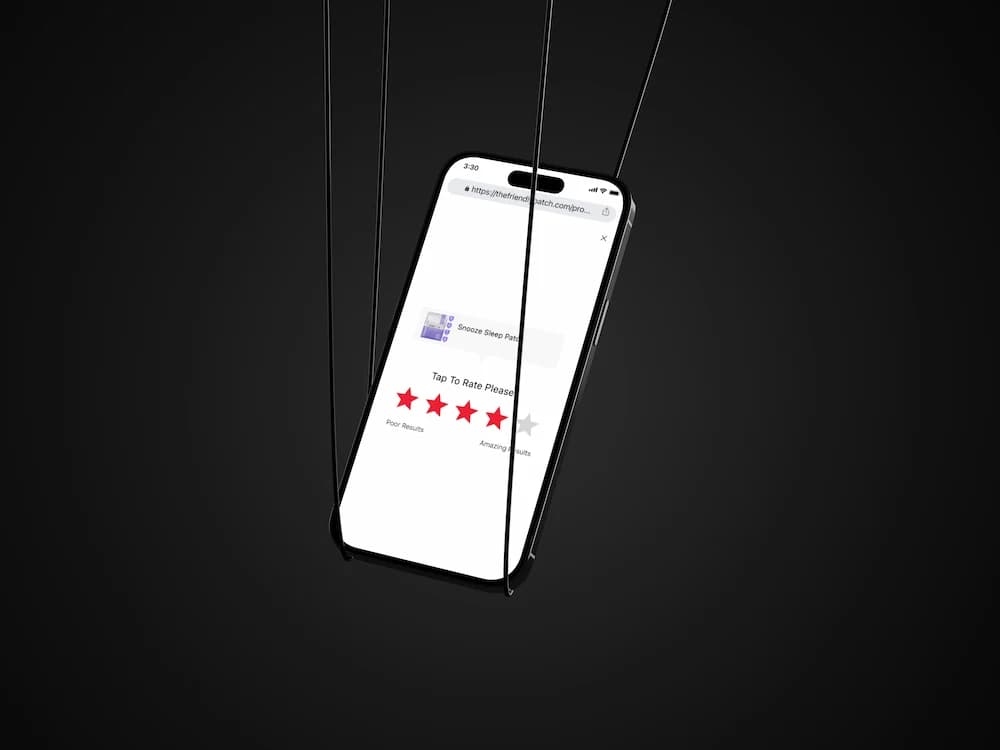
Five review request styles, photo and video discounts, and reminder emails, all editable in a no-code editor. The review form opens in one tap and starts with a single star rating.
Gain
More photo and video reviews, which feed the widgets and ads that sell on the storefront.
04. The overall gain
The redesign took Quoli from a set of features to a product that guides merchants from install to results.
| Job | Before | After with Quoli |
|---|---|---|
| Getting started | Merchant works out setup alone from a 4-item list | Five guided steps with live preview and progress tracking |
| Handling reviews | One review at a time in a mixed list | Inbox tabs with filters and bulk approve, archive and reject |
| Questions | Kept in a separate tab, missing from the dashboard | Unanswered questions sit beside pending reviews |
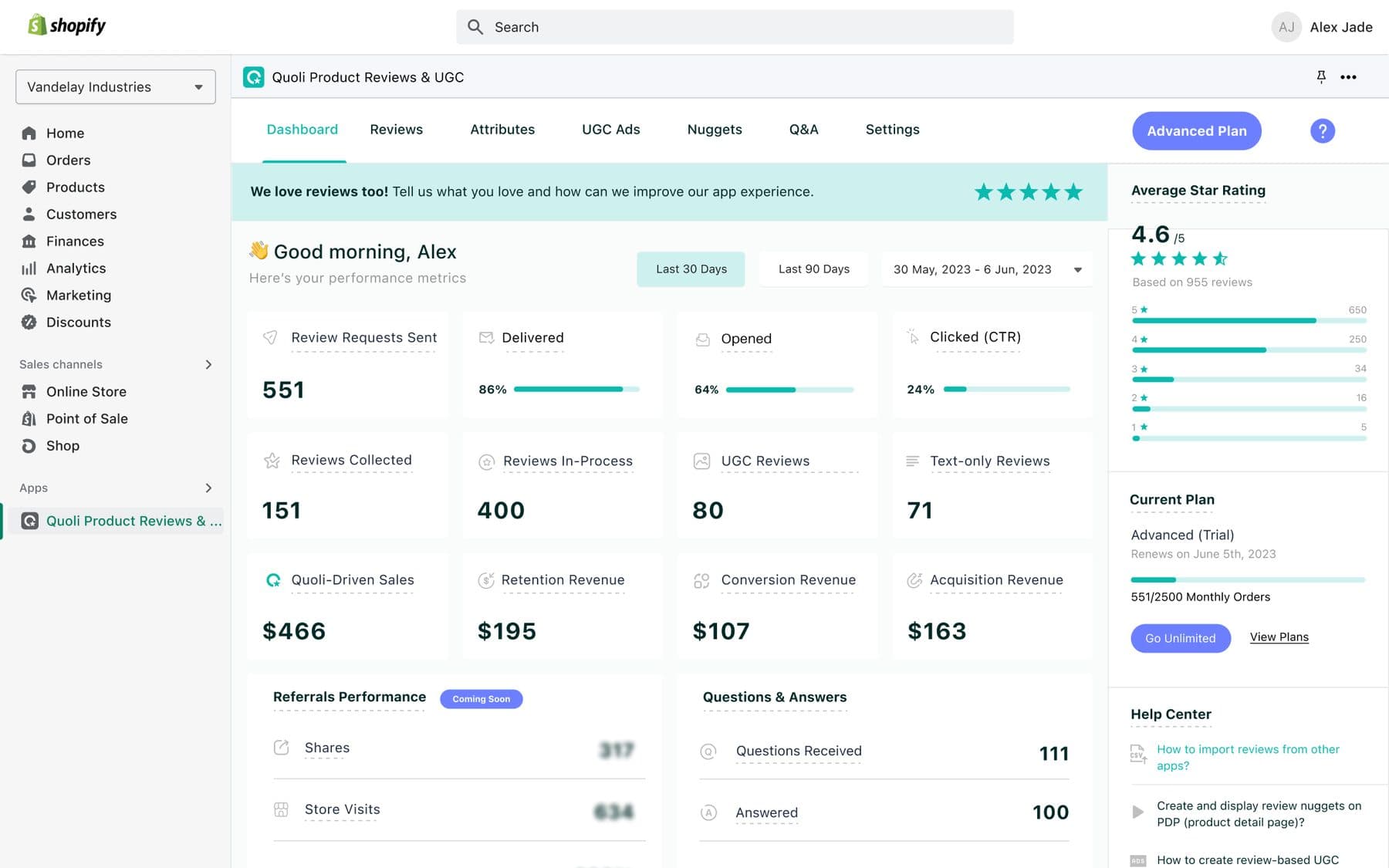
| Knowing it works | Metric tiles with little explanation and no star rating | 12 metrics with tooltips, star rating and revenue in one view |
| Upgrading | "Upgrade" buttons with no reason given | Usage, early warnings and clear unlocks in context |
| Shipping features | No place for new tools in the navigation | Seven-tab structure and a shared design system |
Faster start: collecting reviews on day one instead of after a long setup.
Less admin: the whole review and question queue handled from one screen.
Clear value: revenue Quoli drives is visible every time they log in.
An upgrade path built into daily use, from plan usage to locked-feature previews.
A navigation and design system ready for new features like AI replies and imports.
A complete hand-off for developers: every screen, state, plan and breakpoint.
Design in detail
From the merchant dashboard to customer emails and storefront widgets, shared patterns create continuity while customization lets each brand make the experience its own.
06. The outcome
Quoli is live on the Shopify App Store. Our work spans product design, development, launch and ongoing improvements as the product continues to evolve.
A review app built around the Shopify merchant experience.
One team across the product lifecycle.
Work with us